Talk to your AI agents. Free, private dictation for Mac.
Hold a key, speak your prompt, let go. It lands in Claude Code, Codex, your editor, or any chat box, with your project’s names spelled right and the “um” gone. Transcribed on your Mac in about 50 ms.
macOS 15 or later on Apple silicon · No account · No subscription

Tony in numbers
- per sentence
- ~50 ms
- word error rate
- 5.8%
- languages
- 25
- of audio leave your Mac
- 0 bytes
Your prompt is in your head. Typing it is the slow part.
A good prompt carries context: what you tried, what broke, what you want next. Most dictation clips your first word, pastes a “Thank you.” you never said, or loses your words when the paste fails. Tony starts listening the instant your key goes down, and your voice never leaves the Mac.
-
Hold a key
Listening starts the instant your key goes down, so your first word counts. Double-tap it for a long brief, hands free.
-
Speak your prompt
Ramble if you like. Tony transcribes on your Mac’s Neural Engine as you talk, so even five minutes lands at once.
-
Let go
Your prompt lands where the cursor is: your agent in the terminal, your editor, or any chat box. You press Return.
Made for talking to agents
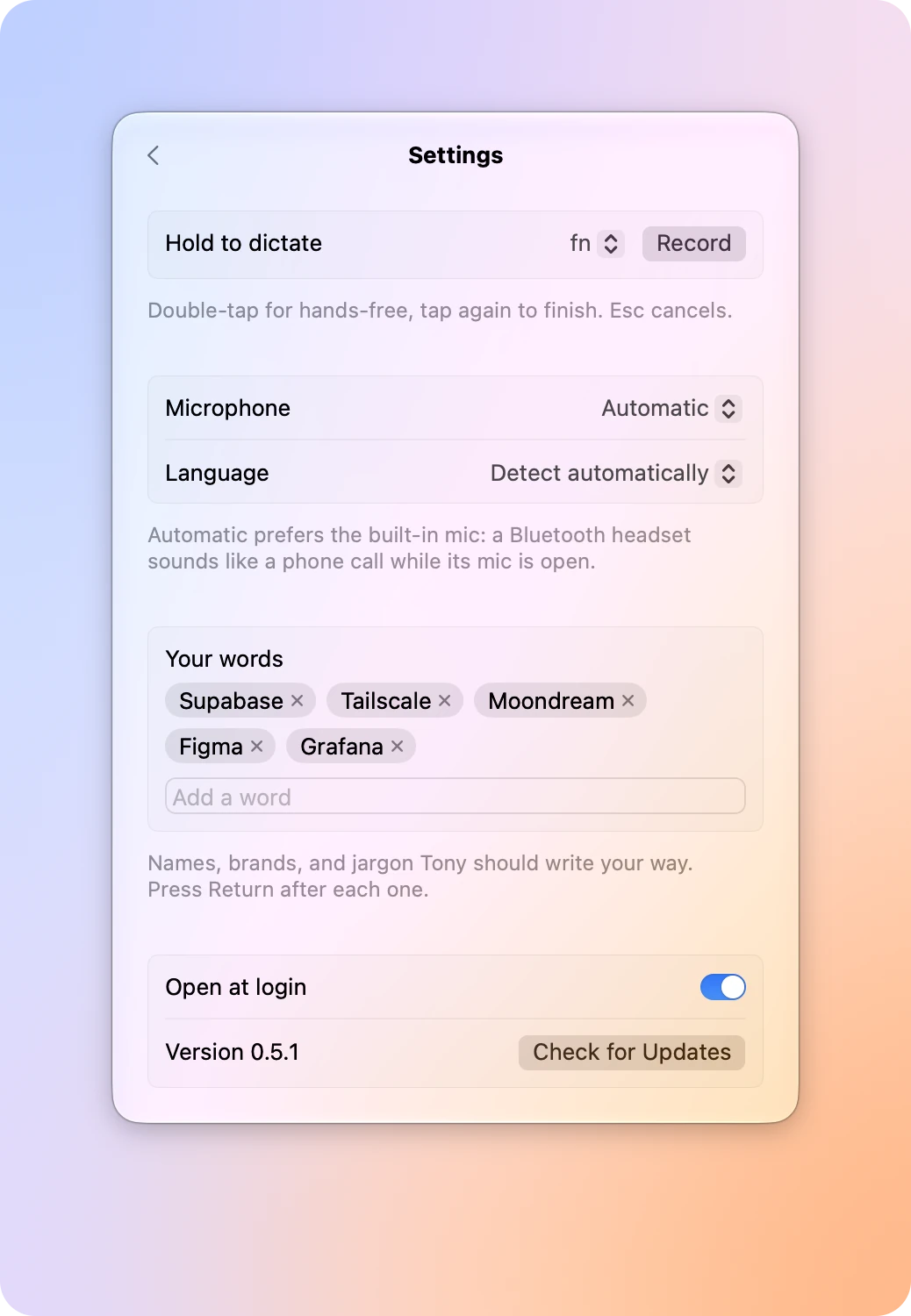
Agents need the exact names: the library, the service, the table. Add yours under Your words and Tony spells them your way, while the filler words come out.
Prompting AI agents- Works in Terminal, VS Code, Malini, and any chat box
- Esc cancels and keeps your words, one click from Paste
- Mid-prompt, no stray capital and no extra space
You say
Um, so the super base migration fails. Can you, uh, check the policies?
Tony types
So the Supabase migration fails. Can you check the policies?
With Supabase in your words.
Fast, from the first word
A sentence takes about 50 ms on the Neural Engine. Tony transcribes in the background at each pause while you keep talking, so letting go is as instant after a five-minute brief as after one line.
Speed and accuracy- Capture starts on key down, not a beat later
- Warm at launch, so the first dictation is as quick as the hundredth
- Between dictations the mic is closed and the CPU rests
| You speak for | Tony transcribes it in |
|---|---|
| 5 seconds | 49 ms |
| 13 seconds | 70 ms |
| 26 seconds | 147 ms |
Accurate, in 25 languages
Tony runs Parakeet Ultra: NVIDIA’s Parakeet TDT v3, post-trained by Moondream to make fewer errors on every benchmark they report. It detects your language as you speak, and you can switch mid-dictation.
All 25 languages- Punctuation and capitals, written by the model
- Switch languages mid-dictation, with no setting to touch
- Silence types nothing: no phantom “Thank you.”
| Model | Error rate | Parameters |
|---|---|---|
| Whisper large-v3 | 7.44% | 1.55 B |
| Parakeet TDT v3 | 6.26% | 0.6 B |
| Parakeet Ultra, in Tony | 5.80% | 0.6 B |
Everything Tony did for you. One click away, in the menu bar.
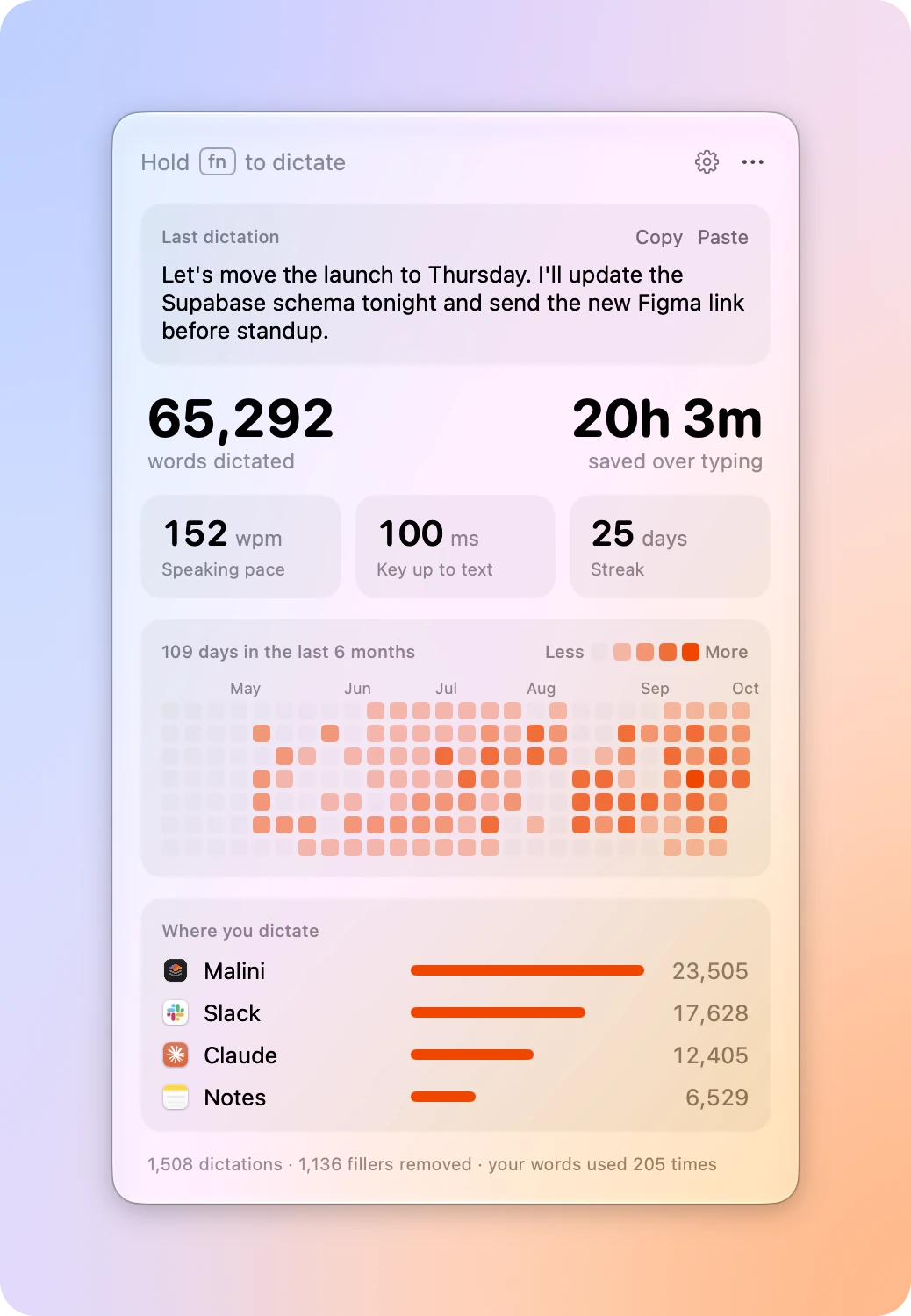
Click Tony in the menu bar for a glass panel with your last dictation, your stats, and Settings. Like the pill, it never takes focus from your app, so Paste lands where you were typing.
Works in every app
Native apps, Safari and Chrome, Slack and VS Code, Terminal: if it takes paste, it takes Tony. Every dictation stays on your clipboard, so when a paste can’t land, ⌘V brings it back.
How Tony works- QWERTY, Dvorak, and Cyrillic layouts all paste correctly
- Undo is one ⌘Z: a dictation lands as a single paste
- Your music fades out while you talk, and back in after
Your voice never leaves the Mac. Neither do your prompts.
Prompts carry your codebase’s names and your half-formed ideas. Tony hears them on your Mac, and the only place they go is the app you paste into.
Privacy and offline use-
On your Mac
Audio stays in memory and is never written to disk. Once the model is downloaded, Tony dictates offline.
-
No account, no telemetry
Tony goes online only to download its models once and to check for updates. Your stats are counts, never what you said.
-
Open source
The code is public under AGPL-3.0, and CI builds every release from a tagged commit, so you can check what you run.
Show it with Grip. Say it with Tony. Ship it with Malini.
Three free, open source Mac apps from Bestboy, for the way you build with agents.
Grip Show it
The free screen recorder, for the bug that is quicker to show than to describe.
Grip
Tony Say it
Dictation that types where your cursor is, transcribed on your Mac in about 50 ms.
Tony
Malini Ship it
Many Claude Code agents side by side, each in its own git worktree, and a merged pull request each.
Malini
Frequently asked questions
Have a different question? Ask on GitHub
Is Tony free?
Yes. Tony is free and open source under AGPL-3.0, with no account and no subscription.
Can I dictate prompts to AI agents like Claude Code or Codex?
Yes. Tony pastes where your cursor is, so a prompt lands in your agent in the terminal, in your editor, or in any chat box. Double-tap your key for a long brief, and add your project’s names under Your words. See Prompting AI agents.
Does Tony work offline?
Yes. Tony downloads its speech model once, about 600 MB, and from then on it transcribes on your Mac with no connection. It goes online only for that download, the model for your words if you add any, and update checks. See Privacy and offline use.
Does my voice leave my Mac?
No. Audio stays in memory on your Mac and is never written to disk, and there is no account and no telemetry. Tony’s stats are counts, never what you said.
Which Macs does Tony run on?
Macs with Apple silicon on macOS 15 or later. The speech model runs on the Neural Engine, which Intel Macs don’t have.
Which languages does Tony speak?
25 European languages, detected as you speak: Bulgarian, Croatian, Czech, Danish, Dutch, English, Estonian, Finnish, French, German, Greek, Hungarian, Italian, Latvian, Lithuanian, Maltese, Polish, Portuguese, Romanian, Russian, Slovak, Slovenian, Spanish, Swedish, and Ukrainian. See Languages.
How accurate is it?
Tony runs Parakeet Ultra, with a 5.8% word error rate across the Open ASR Leaderboard’s English sets, against 7.44% for Whisper large-v3. See Speed and accuracy.
How fast is it?
About 50 ms for a sentence, and 147 ms for 26 seconds of talk, on a MacBook Pro with M5 Pro. Long dictations transcribe in the background at each pause while you talk, so letting go is as quick after five minutes as after one sentence.
Which apps can I dictate into?
Any app that takes paste: native apps, Safari and Chrome, Slack and VS Code, Terminal. Tony pastes with ⌘V, on QWERTY, Dvorak, and Cyrillic layouts alike.
What if the text can’t be typed?
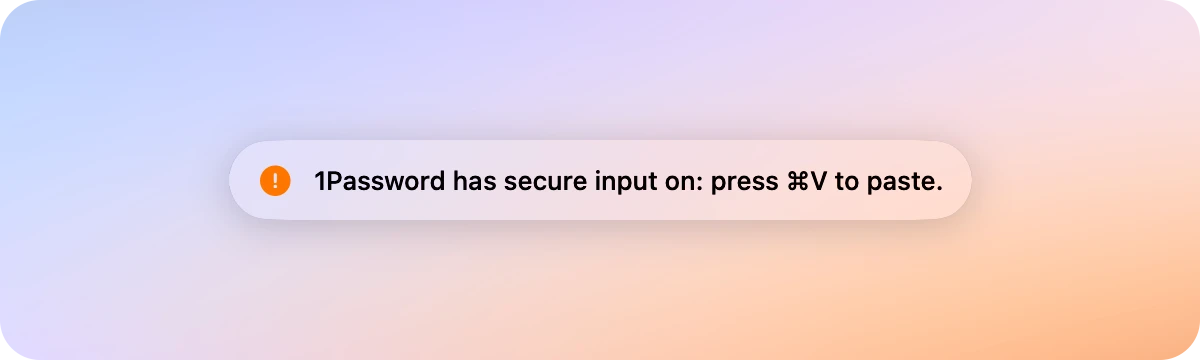
Every dictation stays on your clipboard, so when a paste can’t land, in a password field or an app that refuses paste, ⌘V brings it back. Your last dictation also waits in the menu bar panel to copy or paste again.
Which key do I hold?
fn, until you pick another: right ⌥, right ⌘, or any other modifier, in Settings. Double-tap it for hands-free, and press Esc to cancel.
Can Tony spell names and jargon?
Yes. Add them under Your words, and “super base” lands as Supabase. See Your words.
Does Tony remove “um” and “uh”?
Yes. Filler words come out, and the sentence around them keeps its commas and capitals.
What happens to my music while I talk?
It fades out when you press the key and back in after you let go. On macOS 15.4 and later, the song or video playing pauses once it’s quiet and plays on from the same spot, and music you had off stays off.
How does Tony update?
It updates itself from GitHub Releases, checking quietly at launch, every four hours, and when your Mac wakes. When an update is ready, Restart installs it in a few seconds, and it waits until you finish talking.
Can I read the code?
Yes, on GitHub. Every release is built by CI from a tagged commit, and issues and pull requests are welcome.
Say your next prompt.
Download Tony, allow the microphone and Accessibility, and talk to your agents.
Free and open source · AGPL-3.0